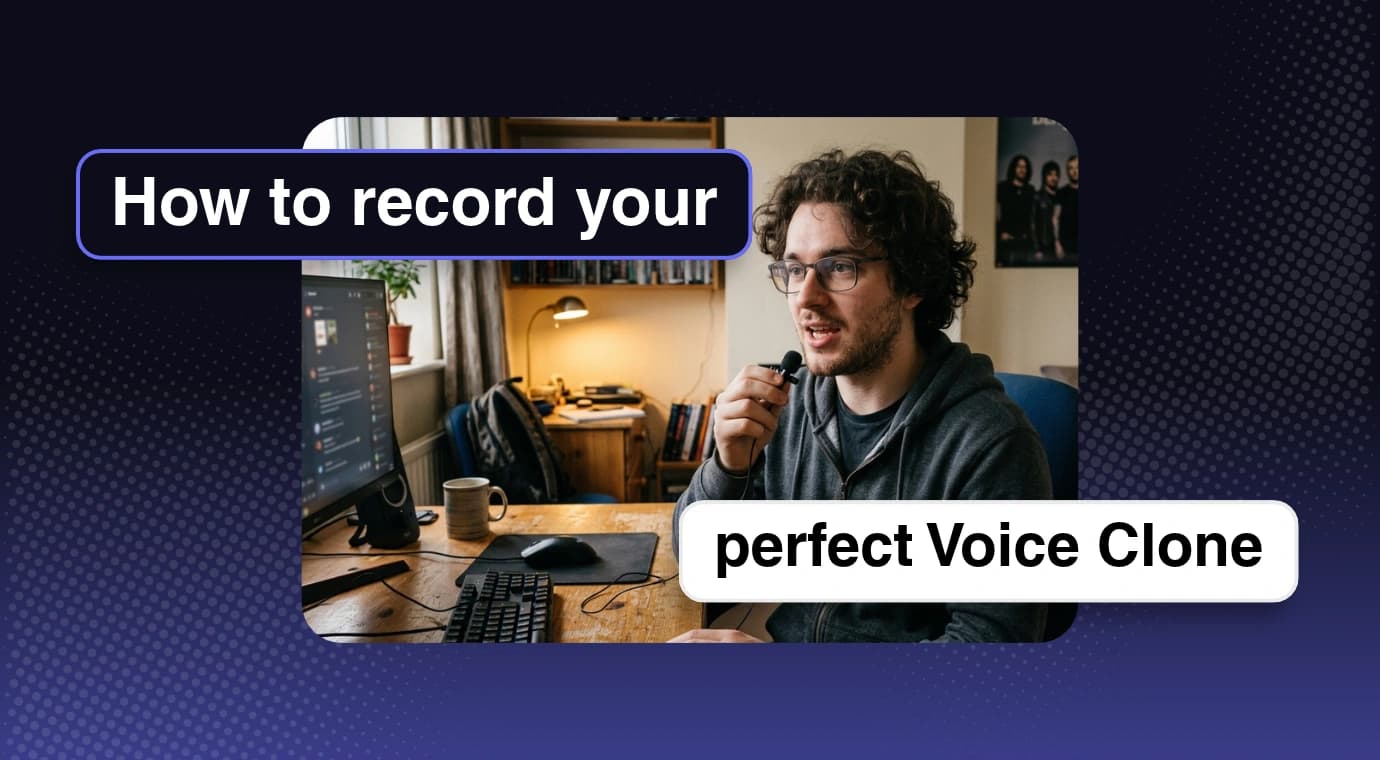




Have you ever cloned your voice with AI only to find that the result barely sounds like you? The accent may feel off, the pronunciation may sound strange, or the voice may miss your natural tone.
The quality of an AI voice clone depends heavily on the recording you provide. A quiet environment, natural delivery, and a varied voice-cloning script give the model a much better reference to learn from.
This guide walks you through the recording process and includes a ready-to-read script you can use to create your own authorized voice clone.
Only clone a voice you own or have clear permission to use. Consent is essential whenever a real person's voice is involved.
How to Make a Realistic AI Voice Clone
You do not need an expensive studio to create a useful voice sample. Clear, consistent, natural speech matters more than premium equipment.
Step 1: Find a Quiet Place
Background noise and room echo can interfere with the model's ability to analyze your voice. Before you start recording:
- Turn off fans, televisions, music, and noisy appliances.
- Choose a furnished room with minimal echo.
- Keep the microphone at a consistent distance from your mouth.
- Use a modern phone or a dependable external microphone.
Step 2: Speak Naturally
One of the most common mistakes is changing how you speak for the recording. Do not force a deeper voice, exaggerate your accent, whisper, shout, or imitate a news presenter.
Speak as though you are having a normal conversation. The goal is to capture your everyday tone, pacing, pronunciation, and rhythm—not an artificial performance.
Step 3: Use a Varied Voice-Cloning Script
Random sentences may not provide enough variety. A useful script combines short and long sentences, common speech sounds, questions, numbers, and natural pauses.
A 50–60 Second Voice-Cloning Script
Read the following script at your usual speaking speed. Stay relaxed, pause naturally, and avoid exaggerated emotion.
Voxly Labs can create a reusable voice profile from at least 10 seconds of clear speech. This longer script is optional, but it provides more vocal variety when you want to record a fuller reference sample.
Hello there! My name is [your name], and this is my natural speaking voice.
I'm speaking at a comfortable pace, just as I would with a friend.
Some days are bright and sunny, while others are quiet, cloudy, and cold.
Yesterday, I made coffee, opened my laptop, and began a new project. The morning felt calm, and everything worked smoothly.
Have you ever wondered how technology recognizes the unique sound of someone's voice? It is fascinating, isn't it?
The quick brown fox jumps over the lazy dog. Five bright stars appeared above the quiet valley.
Let's try a few numbers: twenty-three, forty-seven, one hundred and six, and two thousand twenty-six. Sometimes I speak quickly when excited, but slow down to explain important ideas.
Right now, I'm speaking naturally, with a relaxed tone and a steady rhythm. This gives the AI a clear idea of how I sound.
This script includes varied consonants, vowel sounds, questions, numbers, sentence lengths, and pacing. It gives the model a broader sample than repeatedly reading the same kind of sentence.
The ideal script and recording length still depend on the voice-cloning model. More audio is not automatically better, and even a clean recording cannot guarantee an exact replica.
How to Create Your Voice Clone in Voxly Labs
Once your recording is ready, creating the voice clone in Voxly Labs only takes a few steps:
- Open the Voice Cloning option in the Voxly Labs app.
- Upload an existing voice sample or record your voice directly in the app.
- Fill out the remaining voice details and submit them.
- Your voice clone is ready to use for generating new speech.
5 Tips for a More Realistic Voice Clone
- Use your normal volume: Do not whisper or shout unless that delivery is part of the voice you want to reproduce.
- Remove background music: Even quiet music can compete with your speech and reduce the clarity of the reference sample.
- Keep a comfortable pace: Do not rush the script. Leave the same natural pauses you would use in conversation.
- Stay in one environment: Avoid combining clips recorded with different microphones, rooms, or background conditions unless the model supports that workflow.
- Test unfamiliar sentences: Generate lines that were not in the source recording to see how naturally the voice handles new words and phrases.
If the first result does not sound right, create another clean recording rather than repeatedly reusing a noisy or unnatural sample.
What Can You Do With Your AI Voice Clone?
- YouTube videos: Generate narration without manually recording every finished script.
- Podcasts: Create intros, updates, and corrected lines with your authorized voice clone.
- Online courses: Narrate lessons and update course material without rebuilding an entire recording session.
- Social content: Produce consistent voiceovers for Reels, Shorts, product clips, and other short-form videos.
- Product tutorials: Create clear, repeatable narration for demos and walkthroughs.
Voxly Labs plans include monthly character credits, premium models, and custom voice slots so you can choose the capacity that fits your workflow.
Record Once, Test Carefully, and Improve
Creating a realistic AI voice clone is not only about choosing the right tool. Your recording quality and speaking style have a major influence on the result.
Find a quiet room, speak naturally, use a varied script, and test the finished voice with sentences it has never heard before. Small improvements to the source recording can make a noticeable difference.